Corey O'Connor
Assignment 1
CS 155
For the first assignment in graphics I implemented in C the
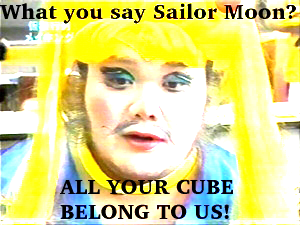
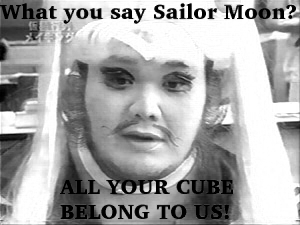
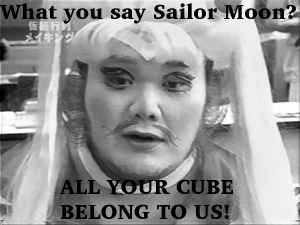
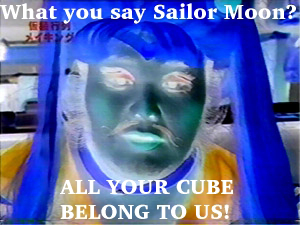
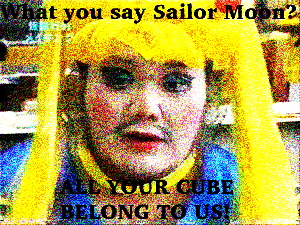
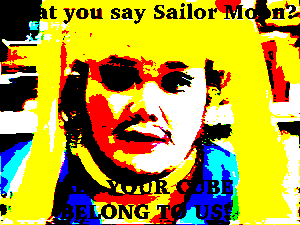
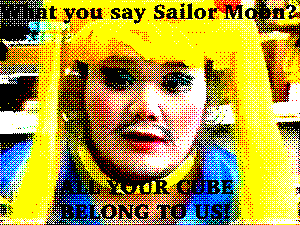
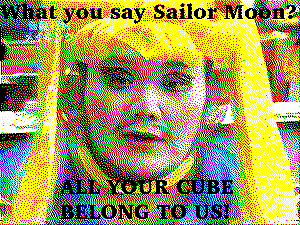
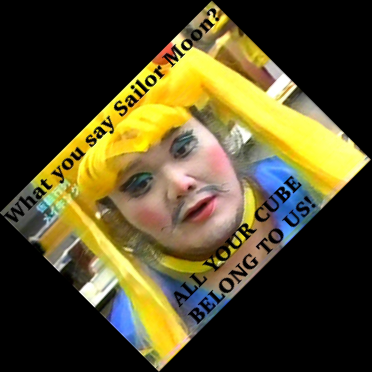
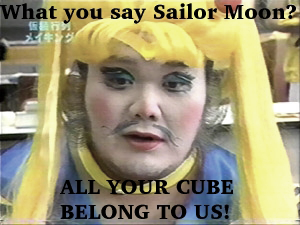
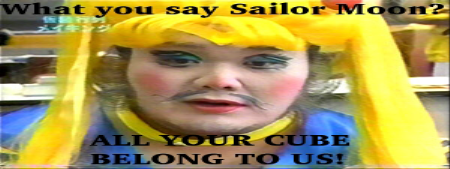
image filters listed here. Click on each to see an example when applied to our ugly friend: 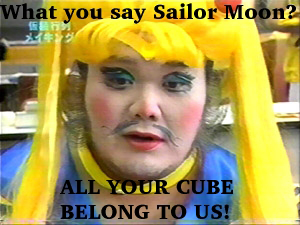 Mr. Sumo Sailor Moon! He's quite ugly. So any of these filters should be an improvment.
- Box Blur
: Blurs the image with a specified sized box blur
- Gaussian Blur
: Blurs the image with a specified gaussian kernel
- Triangle Blur
: Blurs the image with a specified sized triangle blur kernel
- Brighten
: Brightens by user specified amount
- Contrast
: Adjusts contrast by a user specified amount
- Composite: Composites two images together using a mask
For an example I composited myself: 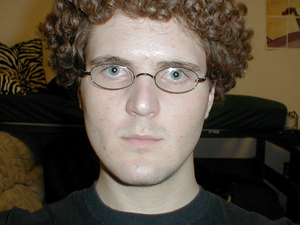
Using this mask: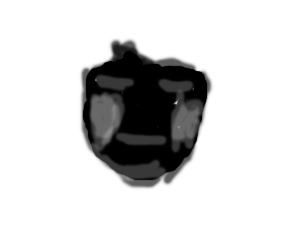
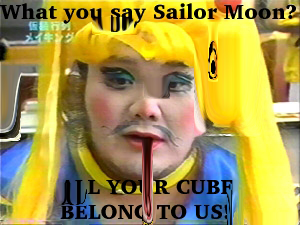
With our ugly sumo friend to get: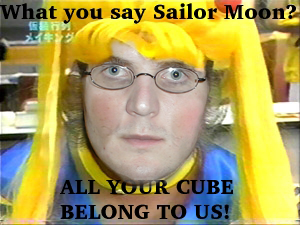
Scary huh?
- Crop
: Crops an image to the given rectangle. If you give it an invalid rectangle, well,
shame on you.
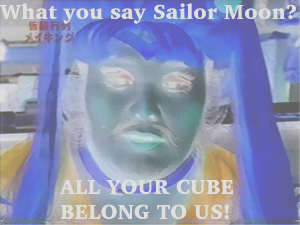
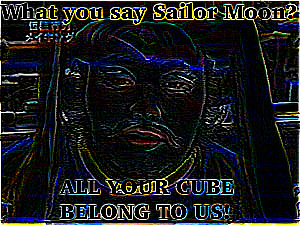
- Edge detect
: Runs an edge detect kernel over the image. The kernel used is:
-1 -1 -1
-1 8 -1
-1 -1 -1
- Extract
: Extracts a given channel from an image. If you give it a channel for which the
image does not have any data for, it just returns you a blank image. Example here is
the red channel.
- Grey
: Converts an image to greyscale
- Invert
: Inverts an image
- Noisify
: Interpolates the image with random noise by the given amount
- Simple Quantize
: Quantize the image down to the specified number of bits
- Ordered Quantize
: Distributes error to the image during quantiziation using this 4x4 Bayer matrix:
0 8 2 10
12 4 14 6
3 11 1 9
15 7 13 5
This matrix was chosen over the one in the assignment in the hope that it would be less
noticable in the final image. I believe it is, but that's just my opinion.
- Floyd-Steinberg
Quantize
: Quantizes the iamge to a given number of bits using
Floyd-Steinberg quantization.
- Rotate
: Rotates an image a given number of degrees around a given point. The example
in the assignment description kept the output image the same dimensions as the input.
Thus loosing some of the original image. My rotate increases the image size to retain all
input image data. The user can crop the image down later if they want.
- Saturate
: Changes saturation by a user specified amount
- Scale
: Scales the image by a given amount in x and y
- Threshold
: Threshold all channels to a specified amount
- Warp
: My fun warp is called disco melt. It's supposed to look like the image is melting
in drops. But the drops look kinda square, hence the disco. The user can specify how many
drops, or melt points, the image will be warped by. The maximum horizontal size of the drops
can be specified. Along with the maximum weight of each drop.
Each of the warping filters take a paramater specifying the sampling method to use. The
sampling method's supported are Nearest, BiLinear and Gaussian.
If you would like to produce each of the example images run download this file to a directory witht he sailor.bmp, me.bmp, and mask.bmp
images on this page and run ip something like this: ./ip -t -q < fulltest.script