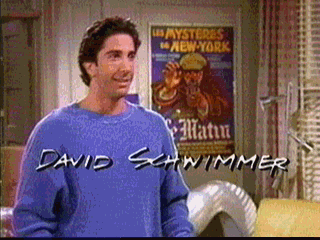
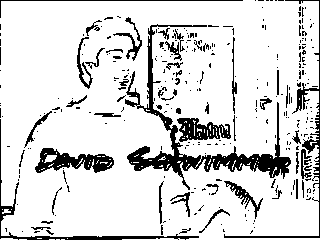
This program loops through all of the pixels in the input image, computing the average deviation of the intensities of the neighboring pixels. If this deviation is above a specified cutoff value, the output pixel becomes black. Otherwise, the the output pixel is white. Here's an example:
Input:
Output (cutoff value = 500):
Output (cutoff value = 550):
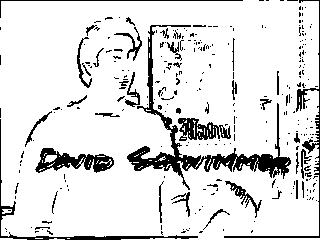
So, the result of this program is a black and white image that contains contours of the original. Also, the cutoff value determines the contrast level of the image. The image evaluation script (the script which runs the image through the neural net) uses a preset cutoff value of 470. This works for most images, but some either lose too many features or pick up too many extraneous one with this value. This is the main point where this program could be improved. An intensity balancing algorithm could be implemented to find the optimal cutoff value.