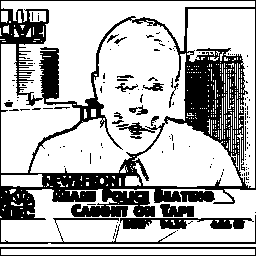
Given an image, this program splits it into smaller pieces. Given on the command line, a splitting factor determines the size of the output images as well as their number. Here's an example:
Input:
Output (splitting factor of 1):


So all output images are the same size; there are different size views (the bottom image, for example) and the output images overlap. When this program is used by the image evaluation script, a scale level of 2 is used. So, it turns one 256x256 image into 59 64x64 images. This program is an important contributor to the false positives. When this program scales down an image, it doesn't blend any pixels. Instead it just throws out certain lines in the image. This results in broken and very uneven lines in scaled down images. This is visible in the bottom image (the scaled down full view).