This assignment deal with image manipulation by working with pixels in context. The primary project was to implement seam carving. For this assignment, I used Matlab.
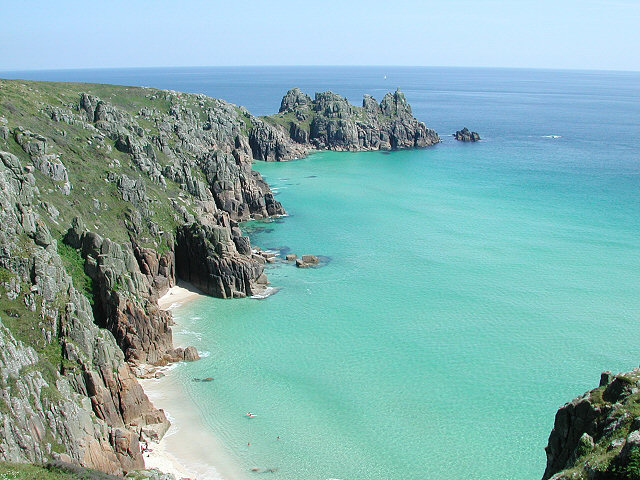
Seam Carving is a technique for resizing images. Consider this image of an ocean in the following explanation.
The premise is to remove low intensitiy pixels to preserve image content. Seam Carving is a dynamic programming algorithm that calculates the energy of each seam and then removes the seam with the least cost. To calculate the energy of each seam we calculate the energy of each pixel. This is done by using the value image associated with the image. We replace each pixel with 8 times the value of the pixel -1 times the values of each of its neighbors. This accounts for both the x and y derivative. The following image shows the energy of each pixel
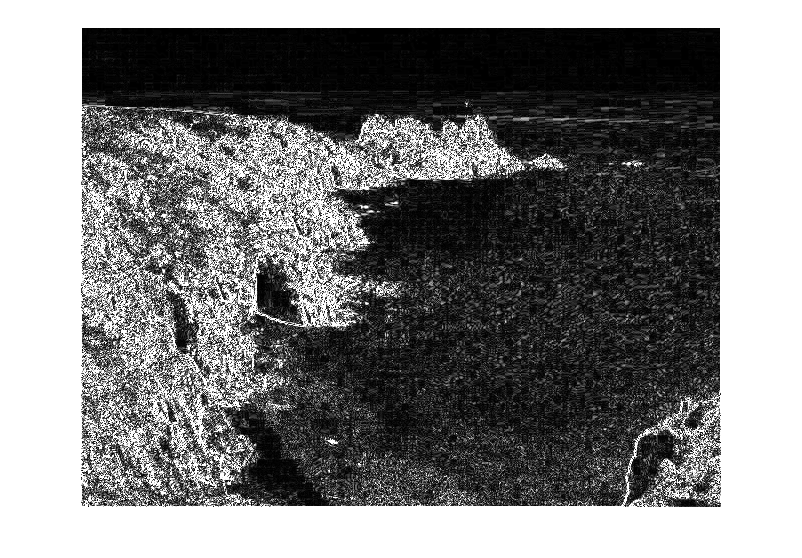
From this energy image we can use dynamic programming to calculate the energy of each seam. These values can be seen in the following images. As shown the most significant seams run through the cliffs in each image.
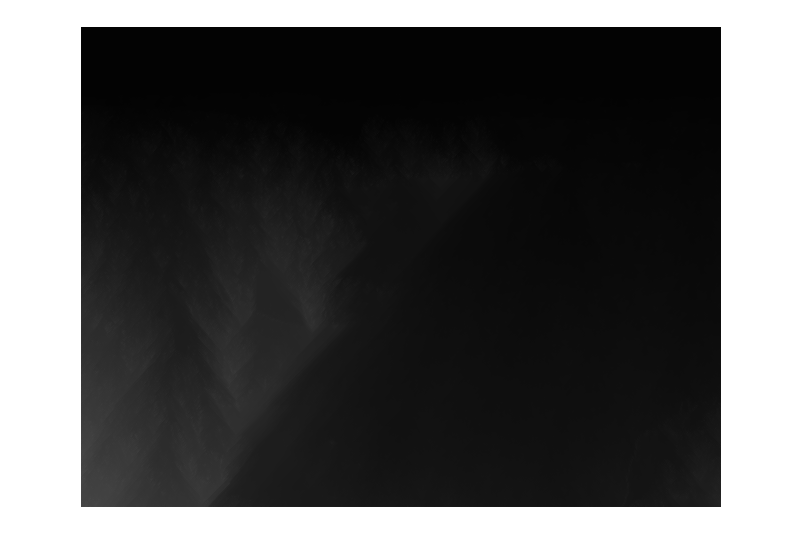
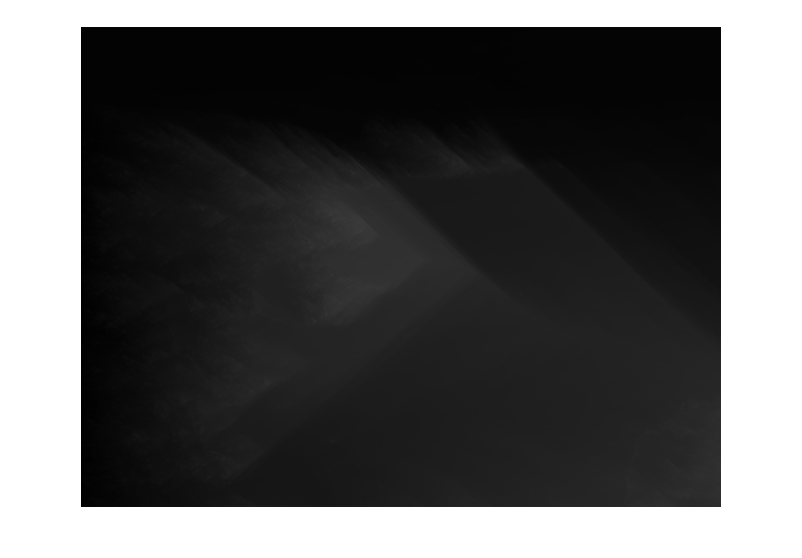
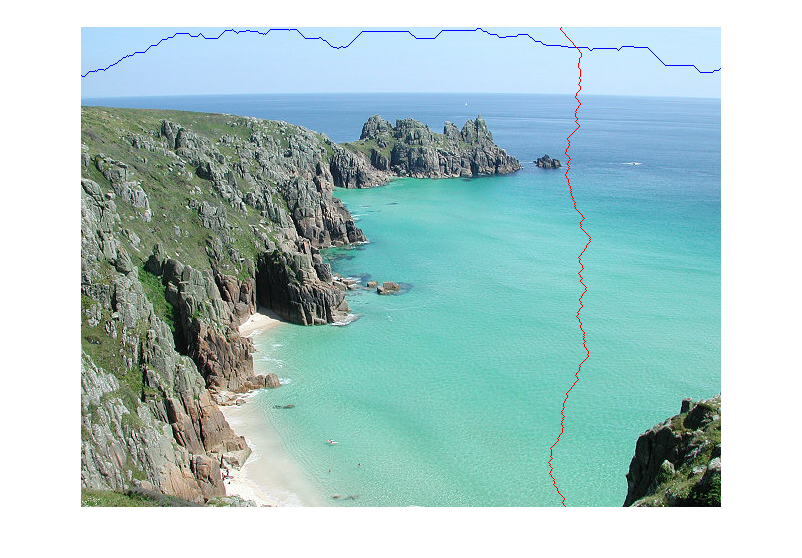
This allows us to find the best seams which are shown in the following image. The best horizontal seam is seen in the sky which has very low energy since its mostly the same color. The best vertical seam misses the coast and the island.
We can then remove vertical seams until we have changed the width. Below are two versions of the image with width equal to 540px. The one on the left is normal scaling while the one on the left was seam carved.
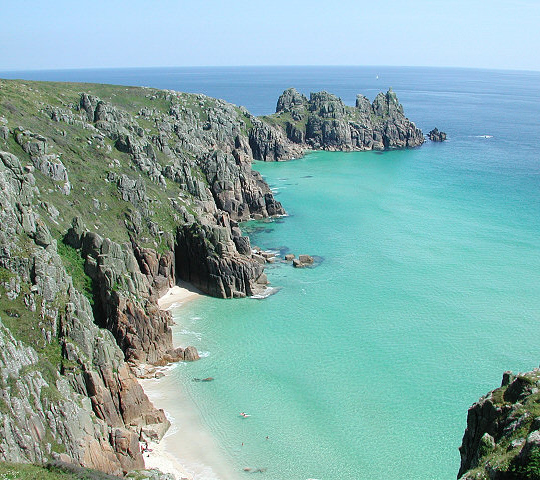
The seam carved image does a much better job of preserving the cliff.
For the next section I used the following image
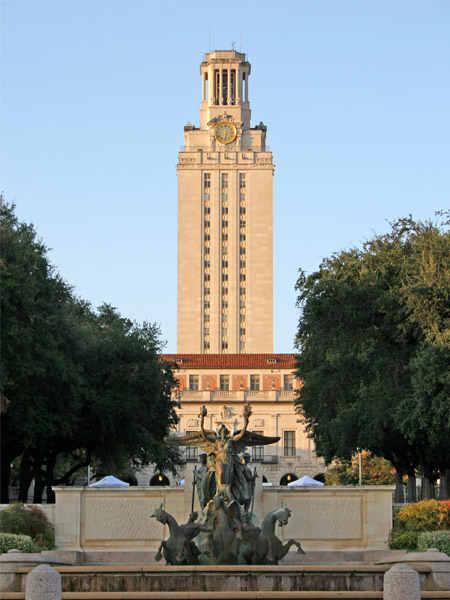
In this section, we consider the effect of different energy functions. The following images show the energy of pixels using the original energy function, one that uses only the directly adjacent neighbors (not diagonal), one that uses only the vertically adjacent neighbors, and one that uses only the horizontally adjacent neighbors.
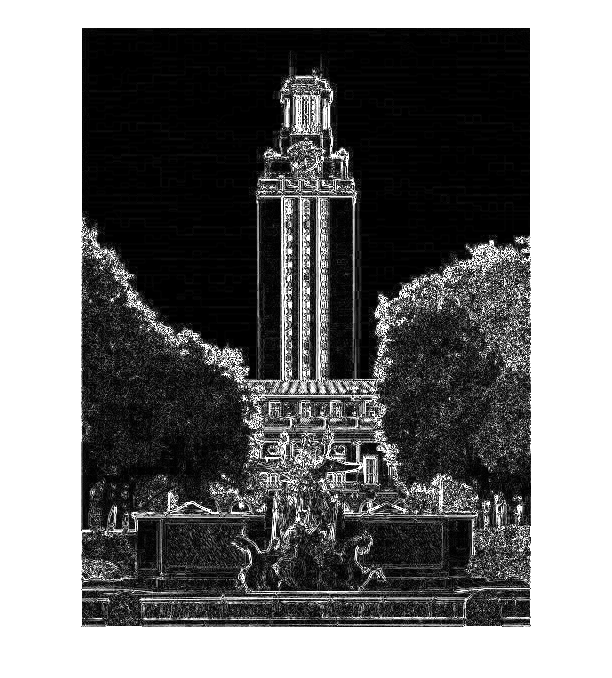
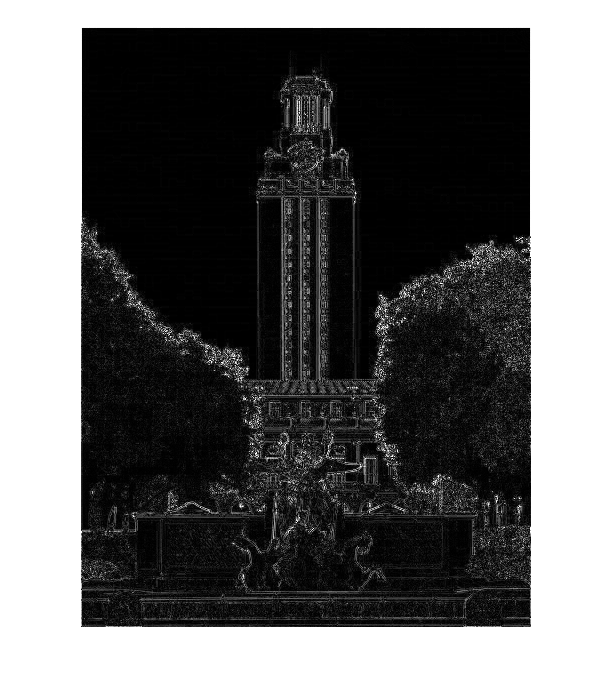
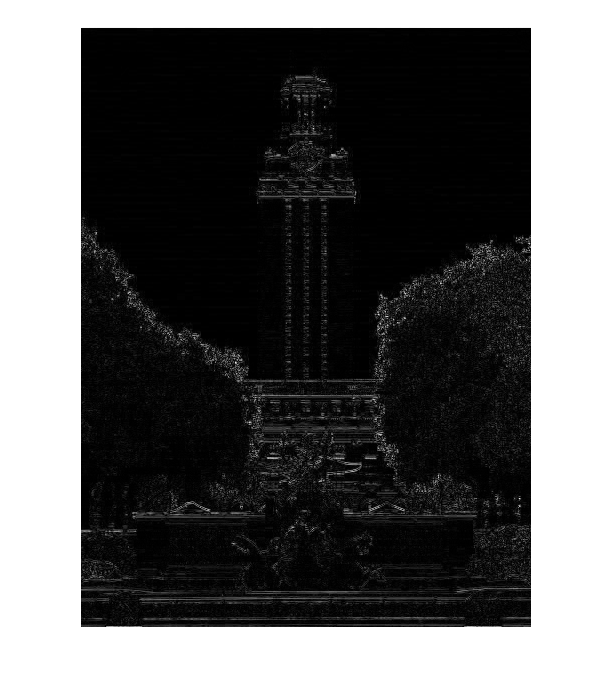
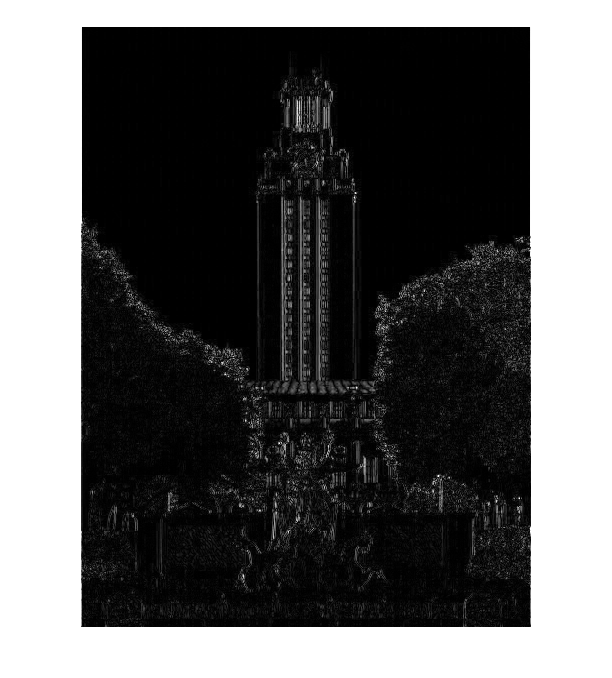
Using these energy functions if we reduce the height by 300 pixels we can see the importance of the energy function.
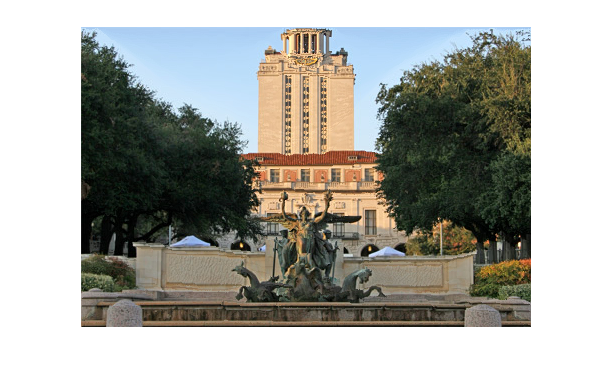
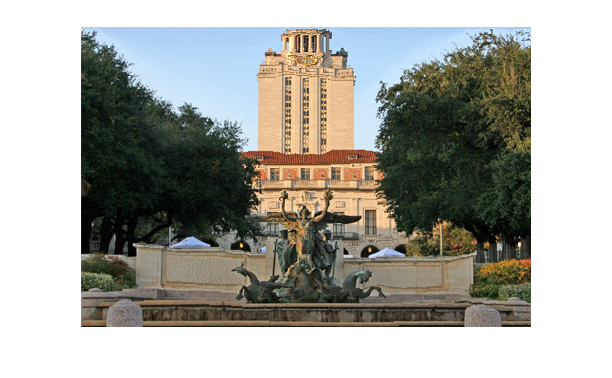
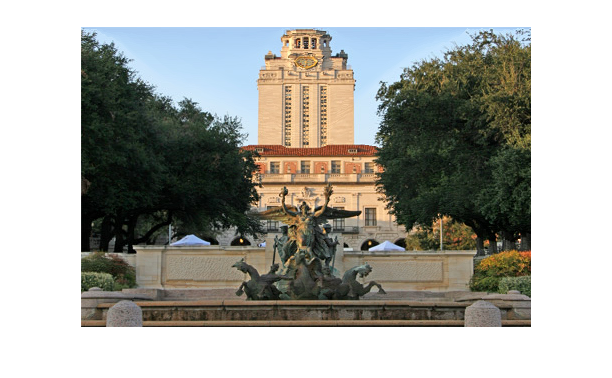
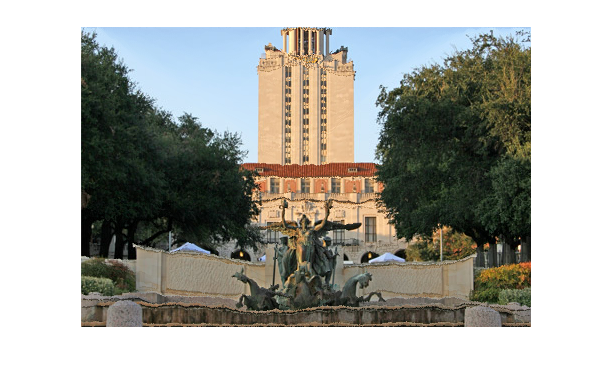
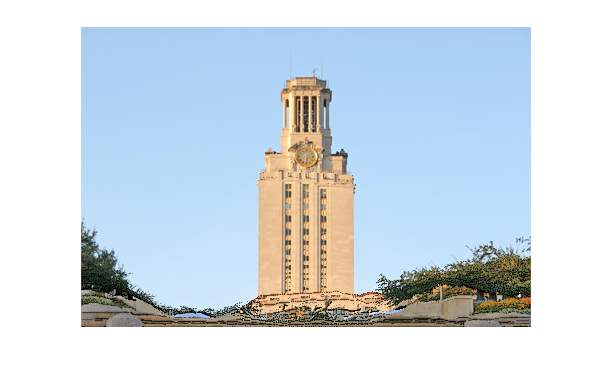
In this image, the vertical energy function actually does the best at preserving the front wall and the circle of the clock. While the horizontal energy function did the worst. The reason for this is clear if we reexamine the energy images. Because we are reducing the height, the vertical energy function allows us to cut out the body of the tower at very low cost while the walls in the front of the image are very focused. I also experimented with an energy function that simply subtracts the values of the neighbors and instead of only adding 8 times the original cell value adding 9 times. This increases the energy of all pixels. The result of using this energy function is displayed below.
In addition to these two images I experimented with a few other images. One other image from the ca set is an escher design. This image is interesting because it has a large amount of high energy pixels making it difficult to find simple seams.
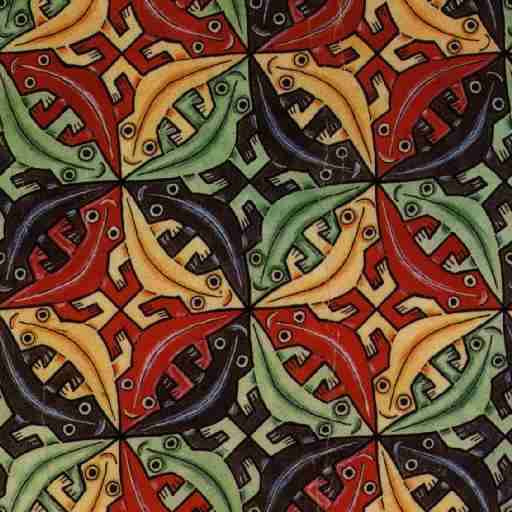
We resized the image to 480 pixels x 360 pixels (again seam carved is on the right).
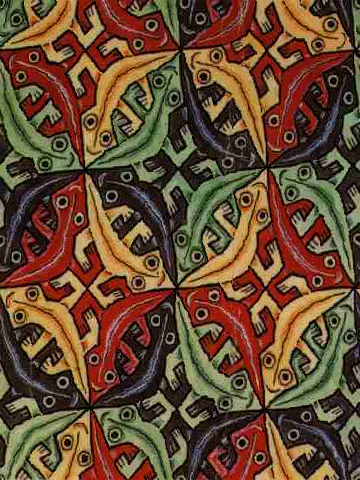
The seam carved image is not substantially different but the
bodies are shrunk more and the eyes are more exaggerated.
The next image we carved was the same sphinx as we used in
homework 1. We scaled the sphinx to 240 pixels unfortunately at
this point the image is shrunk so much that while the seam carved
version has to remove useful content leaving the image distorted.
It would probably make sense to remove only some number of seams
before scaling the rest of the way.
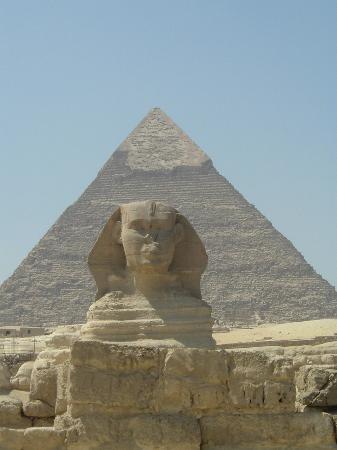
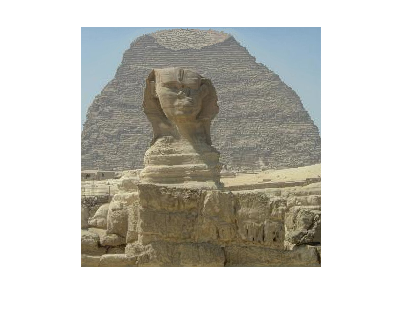
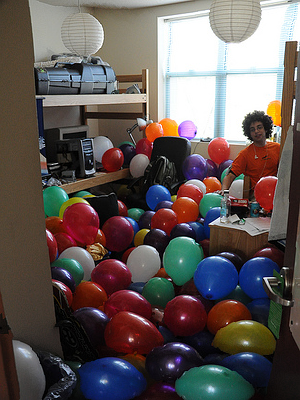
The final set of images is based on a picture of my suitemate's room.
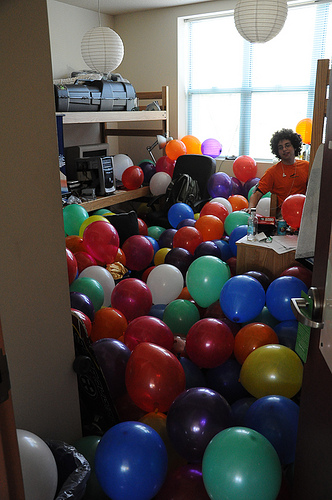
This image was chosen for its high energy as shown in the energy image
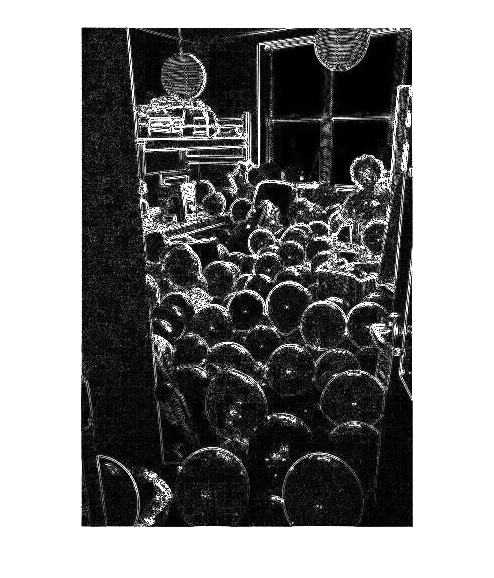
Because of this the best seams run along the sides as shown in the image with the best horizontal and vertical seam
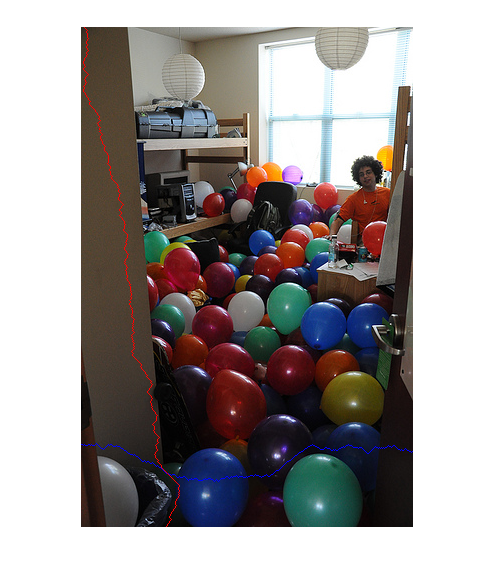
so the result of carving is to warp the borders of the image. In addition some of the balloons are slightly deformed but it is not that striking.
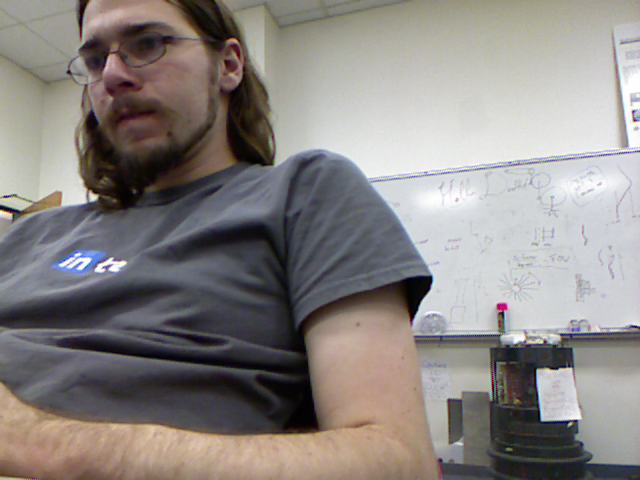
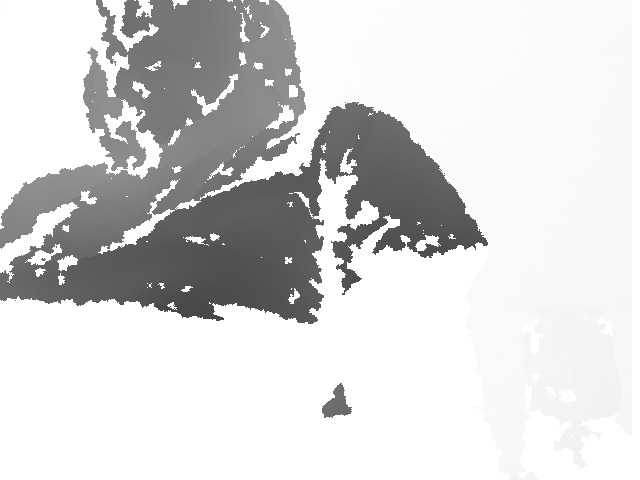
I decided to use OpenKinect to access data from the Kinect. OpenKinect uses libfreenect and includes wrappers for many programming languages. It is easy to install on Mac, Windows, or Linux. Since I am working on my Ubuntu netbook, this seemed like a good choice. Installing OpenKinect was easy following their instructions however this only allowed me to run their demo program but I was unable to use their wrappers. It turns out that the version of cython that is in the Ubuntu repositories is out of date. After removing cython and manually reinstalling it I was able to install the python wrappers. I also had to install OpenCv which was again not too difficult after following the instructions for Ubuntu. Using this I was able to collect data using the demos provided. A image captured via the camera and depth camera are displayed below.