Challenge 1
Due: Monday, January 27 at 4:15 p.m. (in class)
You may work on this challenge as a team.
Before you start:
-
Accept the Challenge on GitHub Classroom
- Doing this ensures you're “in the system” and gives you a way to share/submit your work.
- It's especially useful if you're working as a team, as it gives you a way to share your work with your teammates.
- But there is no starter code in the repository, so don't worry if you don't see anything much there. It's up to you to add material to the repository (in the
Challenge01directory) and then push your changes to GitHub.
-
Install Retro Virtual Machine on your computer. Once installed, run it and you'll find it can simulate a number of different retrocomputing systems.
-
Create a 48K ZX Spectrum virtual machine.
-
If you play with the ZX Spectrum, it may be helpful to use this visualization of the ZX Spectrum keyboard layout (click it to open it in a new tab):
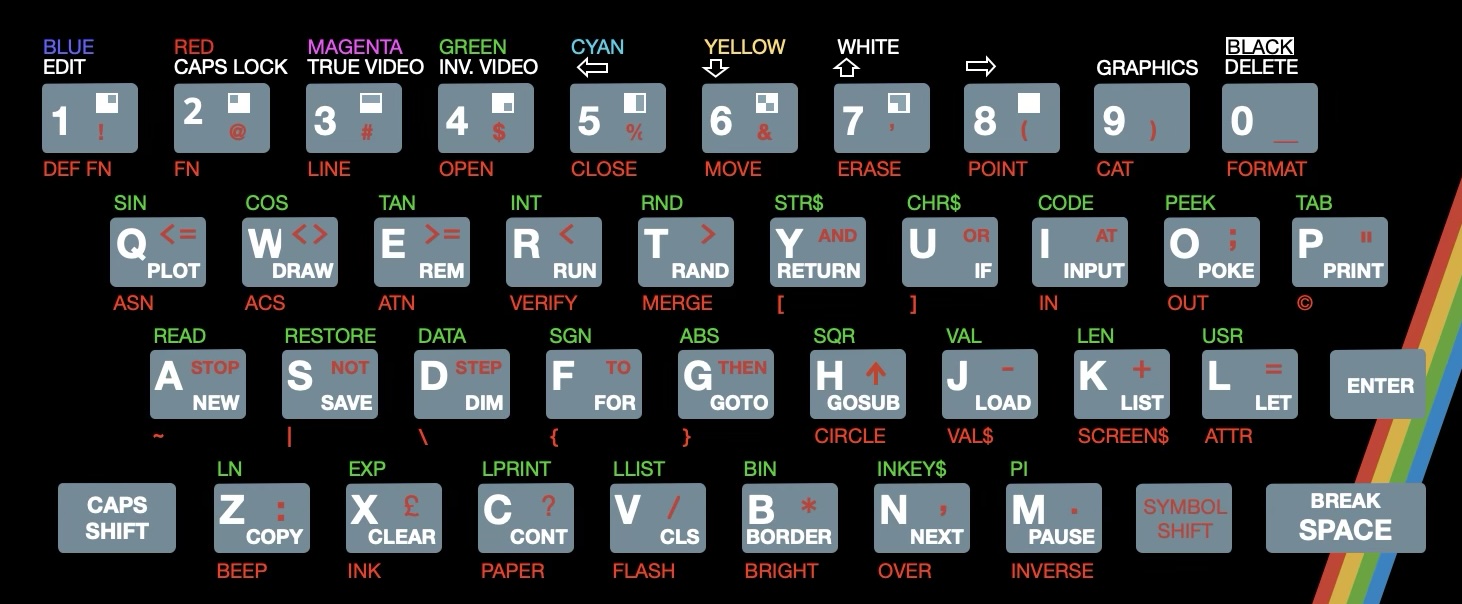
When using an emulator, your normal shift key maps to the ZX Spectrum's “Caps Shift” key and your control key maps to the ZX Spectrum's “Symbol Shift” key. Some emulators automatically map a number of your extra keys (e.g., comma, quote, etc.) to the necessary ZX Spectrum keypresses, but support for this varies by emulator. Retro Virtual Machine only does a limited amount of remapping (the quote key without shift is mapped to the Spectrum's double quote key combination, for example).
-
Play a game. Download this Pac-Man game tape and load it into the cassette player. You can then run the game by typing
LOAD ""(press “J” then symbol-shift-p twice) and pressing enter, then press “Play” on the cassette player. As the program loads, you'll hear the sound from the tape that contains the code for the game—it may be the first time you've ever heard your computer's code and data! (Generally speaking, code sounds like noise, whereas data like graphics assets typically have a distinctive rhythmic pattern to them!)Pac-Man dates back to 1980 and is a classic arcade game. Although various versions of Pac-Man were created for the ZX Spectrum in the 1980s, this particular version was made in 2023 by Marco Leal, aiming to faithfully recreate the arcade experience on the ZX Spectrum, and it is not the only recent recreation of this game. So while your computer tries to faithfully recreate the ZX Spectrum, the ZX Spectrum is trying to faithfully recreate the arcade game!
-
Your task is to do one or more of the following:
- Learn the basics of the BASIC programming language.
- Initially, it may be easiest the BASIC implementations at 8bitworkshop which are documented here.
- Write a few simple programs in BASIC, running a retrocomputing system or emulator of your choice.
- The ZX Spectrum is an obvious choice here, but you could choose a different system if you prefer. A guide to the differences between ZX Spectrum BASIC and other BASICs can be found here.
-
Recreate the colored circles program from the first lesson on a Sinclair ZX Spectrum.
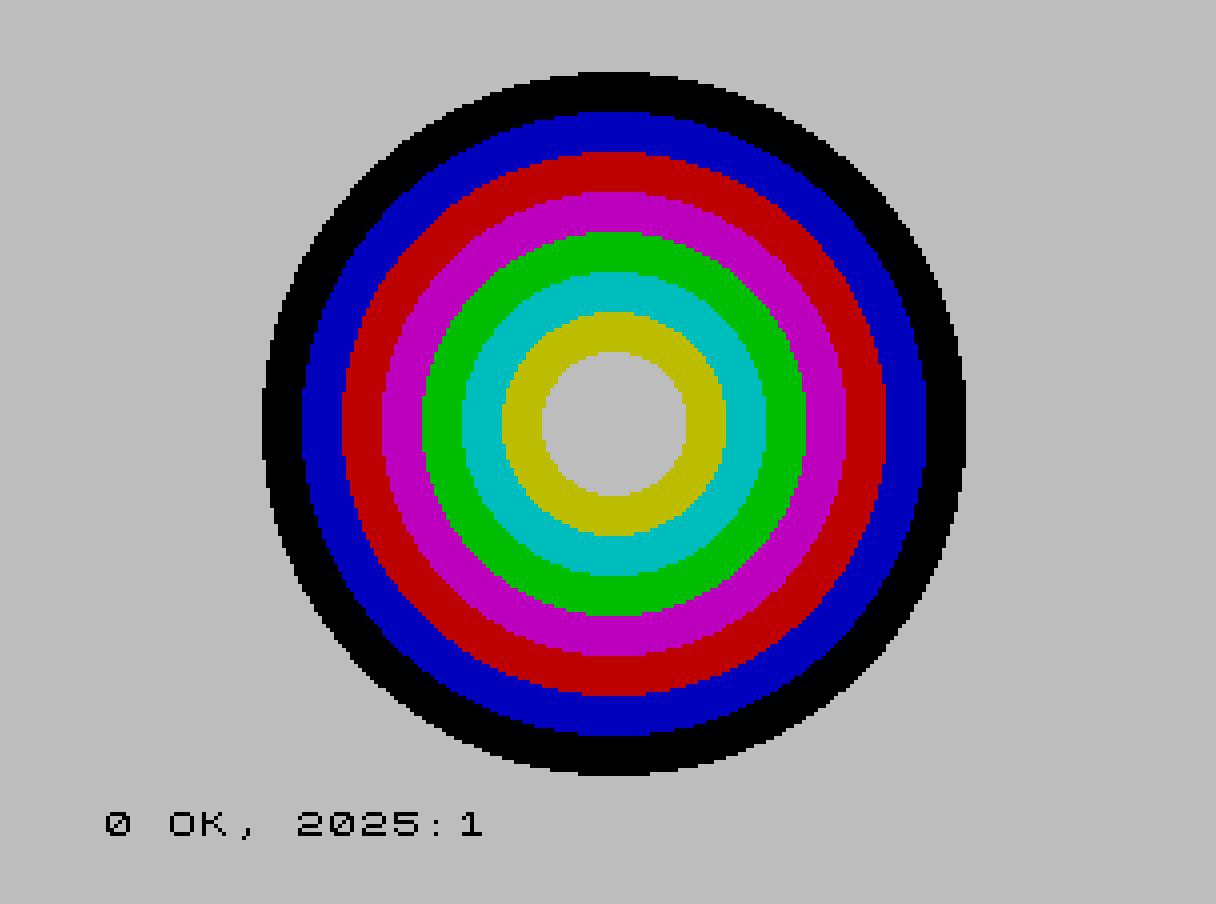
Fun fact, when I made the PNG file showing the colored circles on my Mac, it was 32022 bytes in size. PNG is supposed to be a “compressed” format, but this almost doubled the memory of a 16K ZX Spectrum! A JPEG version was about the same size. I recompressed the PNG file using additional tools and reduced it to 5688 bytes. The actual ZX Spectrum requires 6912 bytes to store the image in memory.
Interesting reading:
Also, check out the archive of BYTE magazine:
- Pick an issue between 1975 and 1985 and look at the ads and articles. Just looking at the ads can be a fun way to see what was available at the time.
(When logged in, completion status appears here.)